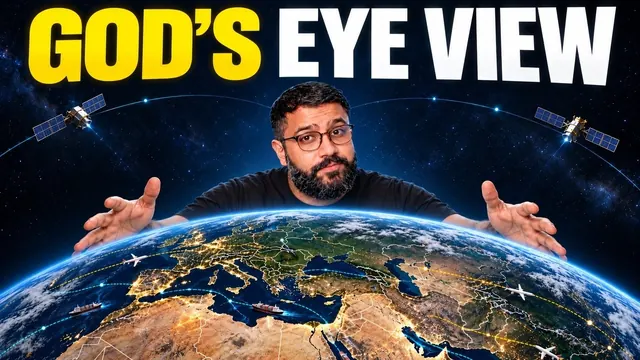
A spy-satellite simulator in your browser. Except the data is real.
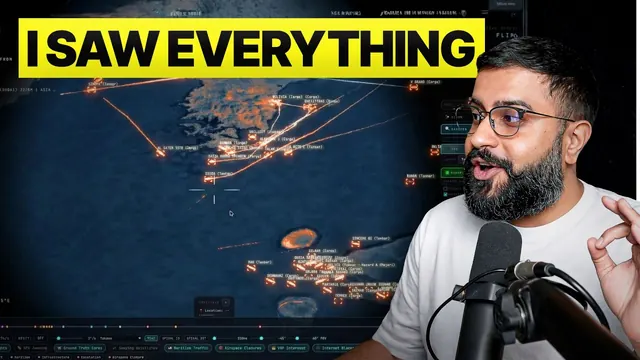
Live aircraft, ships, satellites, earthquakes and public cameras on one photorealistic 3D globe, from public sources. Free, open source, and you can talk to it.
Flight transponders, ship beacons, orbital elements, seismographs and public cameras already describe the planet. God's Eye View fuses them into one place you can explore, from the whole Earth down to a single aircraft or street.
Live
Aircraft, ships and satellites
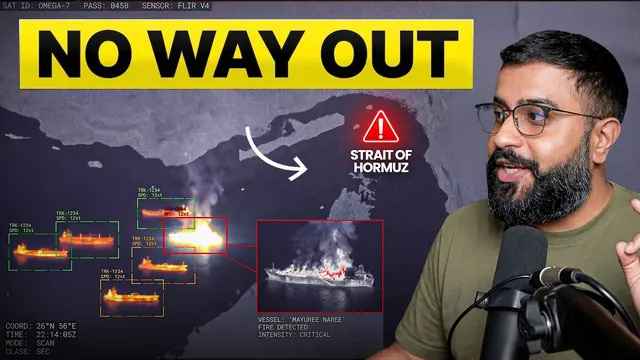
From public ADS-B, AIS and orbital data, plus earthquakes, fires, weather and launches.
Track
Click to track anything
The camera locks on, draws a trail and hands you off to the nearest public camera.
Voice
Talk to the globe
A realtime AI agent flies the camera, counts and ranks what's in view, and draws on the map.
Cockpit
Ride inside a tracked flight
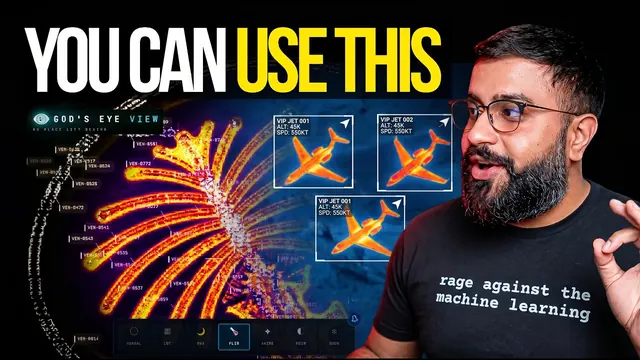
Real per-class 3D aircraft models, with terrain and the city under you.
Looks
Reskin reality
Sensor looks over the globe: CRT, night vision, FLIR thermal and noir.
Replay
Replay a launch
Ride a recent launch from T-minus to orbit, scrubbable from 0.25× to 4×, labeled as a reconstructed estimate.
03 Get God's Eye View
Free and open source today. Hosted in your browser soon.
No account and no API keys needed to start. Bring your own keys later for photorealistic 3D cities.
01 // One click
Install with Pinokio
Install Pinokio 8.2 or later, open God's Eye View, click Install, then Start. Windows, macOS and Linux.
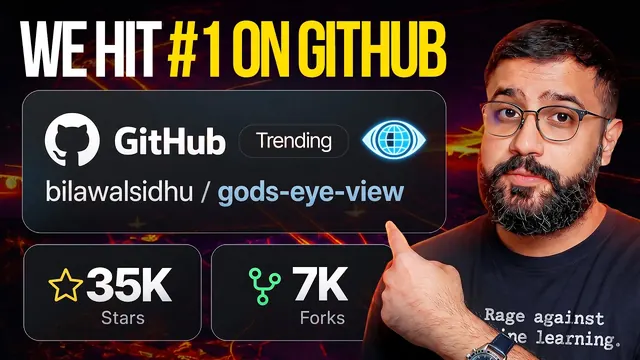
Yes. godseyeview.ai is the official website of God's Eye View, the open-source 3D globe created by Bilawal Sidhu and built by Halfpixel. The official source code is at github.com/bilawalsidhu/gods-eye-view.
Can I use God's Eye View online, without installing anything?
Not yet. The official hosted version of God's Eye View is in development and will launch here at godseyeview.ai. Until then, God's Eye View runs on your own computer, either with one click through Pinokio or from the terminal. More about the hosted version.
Other websites that offer a hosted or paid “God's Eye View” are not affiliated with God's Eye View, Bilawal Sidhu or Halfpixel.
Is God's Eye View free?
Yes. God's Eye View is free and open source under the MIT license. You can start without an account or API keys. Optional keys, such as a Cesium ion token or a Google Maps key, unlock photorealistic 3D cities and are subject to those providers' terms.
Who makes God's Eye View?
God's Eye View was created by Bilawal Sidhu, a former Google Maps product manager, and is built by Halfpixel, Inc. with a large open-source community. It was first shown in Bilawal's YouTube series in early 2026, when the project was still called WorldView.
What data does God's Eye View use?
Public and open sources: ADS-B flight transponders, AIS ship beacons, satellite orbital elements, earthquake and fire feeds, weather models and radar, and public cameras. Most feeds are live or regularly refreshed. Some layers, such as traffic and camera poses, are simulations or estimates, and the app says so.
How do I install God's Eye View?
The easiest way is Pinokio 8.2 or later: open God's Eye View in Pinokio, click Install, then Start. It works on Windows, macOS and Linux. Developers can clone the GitHub repository and run npm ci and npm run dev with Node.js 24 or 26. Full install guide.
 3.1M+ views
 1.2M+ views
 1.9M+ views
 491K+ views
 699K+ views